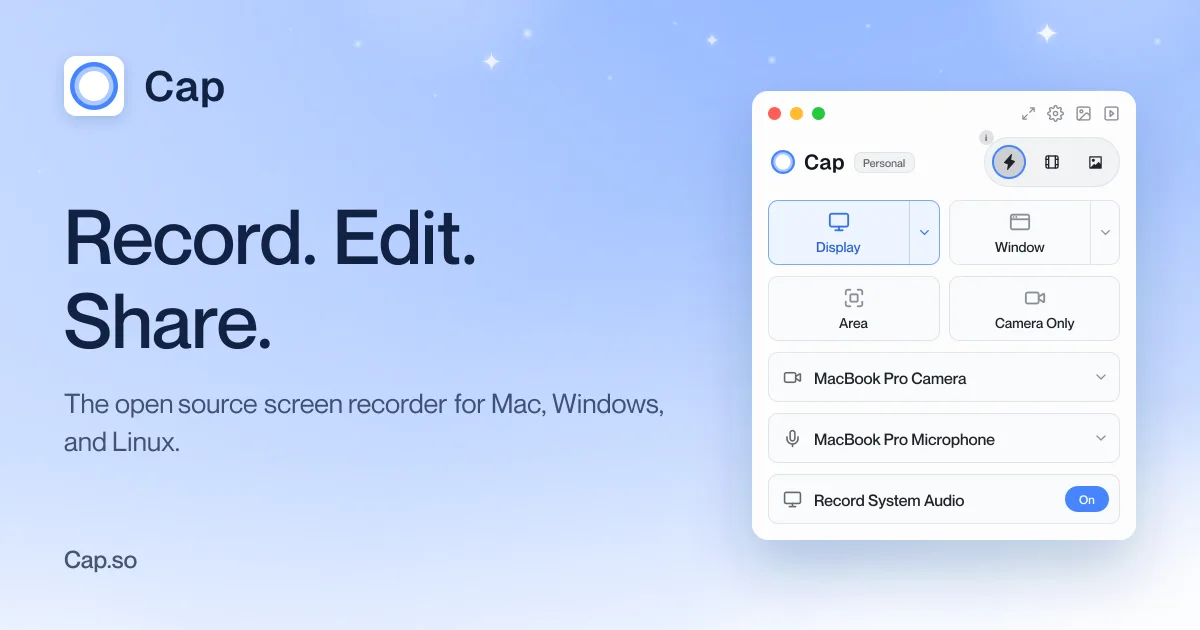
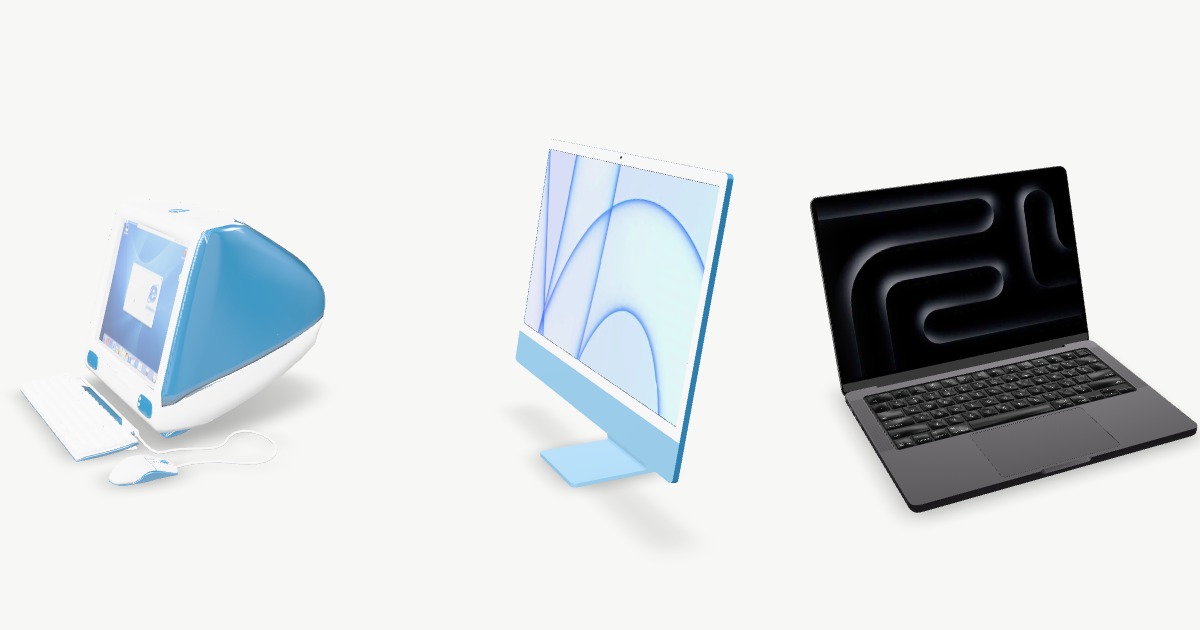
Cap's recording workspace. Preview supplied by the app publisher.
Matte is my pick for edited SaaS demos and AI-app walkthroughs on Mac. Cap is my free pick for personal recordings. Commercial demos need the appropriate Cap license, and Matte's free exports carry a watermark.
For a launch video, feature update or onboarding walkthrough, compare the edit you need after recording. This guide covers zooms, captions, sharing and export checks, using publisher documentation and my stated picks.
Which Mac recorder should you choose for a SaaS demo?
Choose Matte for an edited app demo and Cap for personal recordings you want to share. For commercial work, check the license and export limits before choosing.
Cap: personal build updates and shareable walkthroughs
Cap combines recording, an editor and link-based sharing. Its Instant workflow is aimed at getting a recording to someone quickly; Studio is the place to refine a video before sharing it. That gives you room to move from a short explanation to something more deliberate.
The important detail is the word personal. Cap's current free tier includes the recorder and editor for personal use. Its publisher lists a separate desktop license for commercial use and a Pro plan for expanded cloud features. Check that distinction before using a free download for client work.
For a personal build update, choose between a link and a local export before recording. For a customer-facing SaaS demo, confirm commercial rights first, then check the current cloud-sharing allowance.
Start here for personal-use screen recordings.
Choose between immediate sharing and a more edited recording.
Review commercial rights and cloud limits separately.
Visit Cap Cap keeps recording and sharing within the same app workflow.
Matte: edited SaaS demos and app-launch videos
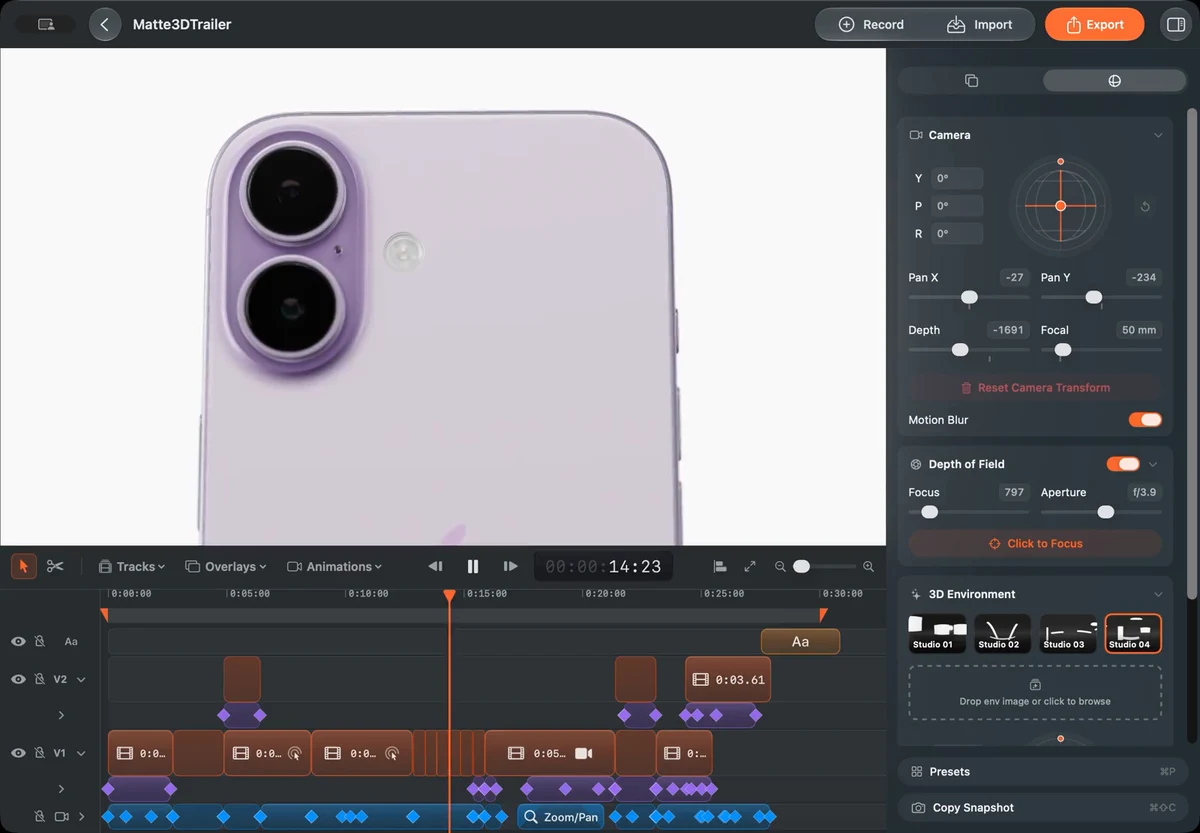
Matte is worth a look when the recording itself is only the beginning. The publisher documents Mac display and window recording, iOS Simulator capture and recording an iPhone or iPad over USB. Its editor brings the capture into a timeline for refinement.
Automatic zoom, cursor smoothing, titles and captions can help direct attention to the part of an interface you are explaining. Use those tools to support a specific action: a zoom that makes a small control readable is more useful than motion added to every click.
Matte is free to try with a watermark on exports. A paid upgrade removes that watermark. It currently requires macOS 15 or later, and its publisher describes an Apple Silicon app. Those are practical checks to make before planning a project around it.
Consider it for Mac and iPhone app demonstrations.
Plan the edit around the action you need to explain.
Try an export to check the watermark and output before committing.
Visit Matte Matte's publisher preview shows its approach to presenting an app recording.
How do you plan a product demo before recording?
Start with the feature you want a visitor to understand. Outline the starting state, one action and its result. For a SaaS onboarding clip, use the same sample account throughout.
For a product demo, sketch a beginning, the central action and an ending. Keep text large enough to read at the size people will actually watch. Record a short sample and inspect its audio, cursor and export before capturing the whole walkthrough.
If you want another demo-focused option, compare Screen Studio alongside Matte. Use the same short recording task in each app so you can judge the edit and export workflow against your own needs. These are editorial recommendations based on publisher information, rather than performance benchmarks.
How do you record an AI-app demo without exposing user data?
Use seeded data and a separate demo workspace. Hide API keys, customer details and private prompts before recording.
Show the prompt, the action and the resulting output. If you shorten a generation wait in the edit, make that cut clear rather than presenting it as a speed benchmark.
Export a short sample before recording the whole walkthrough. Check text readability at the intended playback size, microphone levels and the licensing terms for public or commercial use.
When the built-in Mac recorder is enough
Apple's Screenshot tools offer screen recording without adding another app. Open them with Shift-Command-5, then choose the screen or area you want to capture. Apple's support guide explains the available recording options.
Try that route for a straightforward capture. Consider a dedicated recorder when you need a repeatable editing, presentation or sharing workflow. Before recording a call or private material, check what is visible and make sure everyone involved has agreed to the recording.
Questions before you download
Which free Mac screen recorder should a builder try?
Cap is my starting pick for personal use. Its commercial-use rights and cloud allowances are separate checks. Matte also lets you try its tools, with a watermark on exported recordings.
Is Matte completely free?
Matte's publisher currently offers its features free to try, with watermarked exports. A paid upgrade removes the watermark. Check the current pricing page for terms.
Do I need a separate app just to record my screen?
For a simple recording, start with Apple's Screenshot tools. A dedicated app becomes useful when you want its editing, presentation or sharing workflow.
Can I use Cap for a commercial SaaS demo?
Cap lists a separate desktop license for commercial use. Its free personal-use tier should not be treated as blanket permission for customer-facing commercial work. Check the publisher's current license terms.
Sources & editorial notes
These are Freddy’s picks, enriched with publisher documentation reviewed on November 16, 2026. We have not performed comparative benchmarks. Pricing, compatibility and available features can change.
 Matte is my pick for edited SaaS demos and AI-app walkthroughs on Mac.

 Screen Studio