If you miss the Launchpad grid after updating to macOS 26 Tahoe, start with 

Which app fits your workflow?
| App | Why consider it | Free option | Before you choose |
|---|---|---|---|
| Rebuilding a familiar app grid | Free Basic plan | Custom grid layouts are a Pro feature |
| Organizing apps and files by workspace | Free tier | Check which customizations require Pro |
 | A wheel of favorite apps, files and folders | See Mac App Store listing | You choose the items in the custom palette |
 | Different tools for each active app | Sold with a lifetime license | Profiles take some initial setup |
Where did Launchpad go in Tahoe?
Apple moved app browsing into Spotlight in macOS 26. Open Apps from the Dock to browse installed apps, or press Command-Space and type an app name. If the part you miss is recognizing an icon when you forget its name, try the built-in Apps view before installing a replacement.
LaunchOS for a familiar grid
People who remember an app by its position have a good reason to start with LaunchOS. Try its layout import if you still have your previous layout. Open the apps you normally find by sight and check whether they landed where you expect.
The Basic plan is free. The publisher also offers a seven-day Pro trial for features such as a customizable grid. Before spending time arranging several pages, check the layout controls and the shortcut you want to use to open them.
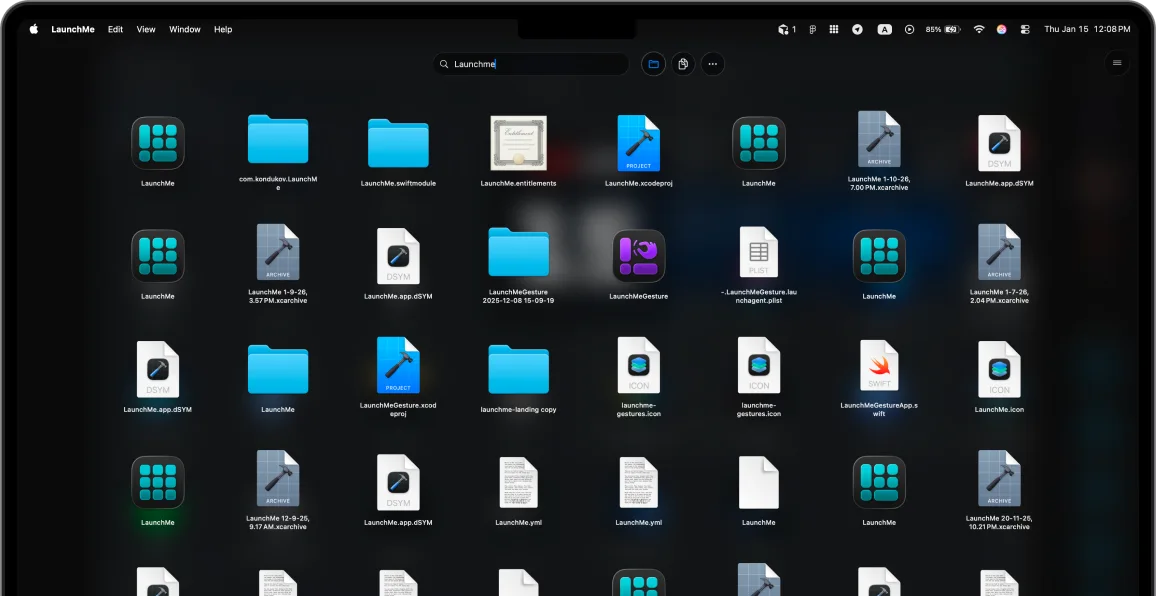
LaunchMe for a workspace built around a task
LaunchMe makes sense when launching an app is only the first step. For a writing session, for example, you might want your editor alongside file search and a widget. Spaces let you organize a different setup for another task. If all you want is your old grid, start with LaunchOS and save the setup time.
Launchy and Orbs for apps you already know
Sources & editorial notes
These are Freddy’s picks, enriched with publisher documentation reviewed on November 17, 2026. We have not performed comparative benchmarks. Pricing, compatibility and available features can change.