
Choose Shottr if your work centers on inspecting and marking up still images. Choose 

The shortlist, at a glance
| App | Why consider it | Free option | Before you choose |
|---|---|---|---|
| Shottr | Pixel measurements and annotated stills | Check current trial and license terms | Try a real design feedback task |
| CleanShot X | Screenshots, recordings and sharing | Check publisher purchase terms | Check cloud plan before relying on sharing |
For design feedback, try a still first
Take a screenshot of the panel you want changed. In Shottr, measure the gap, mark the two endpoints, and send the annotated image. The designer can inspect the numbers at a glance. Shottr also supports scrolling screenshots and uploads to S3, useful if you already manage a storage bucket. Shottr features
For a support ticket, capture the sequence
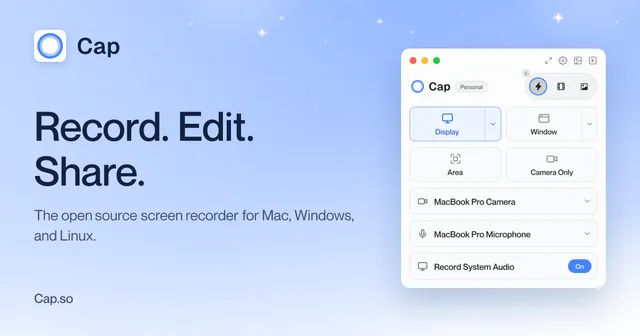
A still can show a missing menu, but it cannot show which click closed it. CleanShot X combines screenshots, annotations and screen recording. Its cloud sharing option gives you a link to send with the steps to reproduce. If the ticket contains customer data, decide what to crop or obscure before uploading. CleanShot X capture and sharing features
Which one should you try?
Use a recent ticket as the test. Give a colleague just the marked-up still. If they can reproduce the issue, Shottr covers that workflow. If their first question is “what did you click before this?”, try the recording workflow in CleanShot X. If recording is the main job, compare the dedicated options in our Mac screen recorder guide. CleanShot X directory listing
Sources & editorial notes
These are Freddy’s picks, enriched with publisher documentation reviewed on November 18, 2026. We have not performed comparative benchmarks. Pricing, compatibility and available features can change.