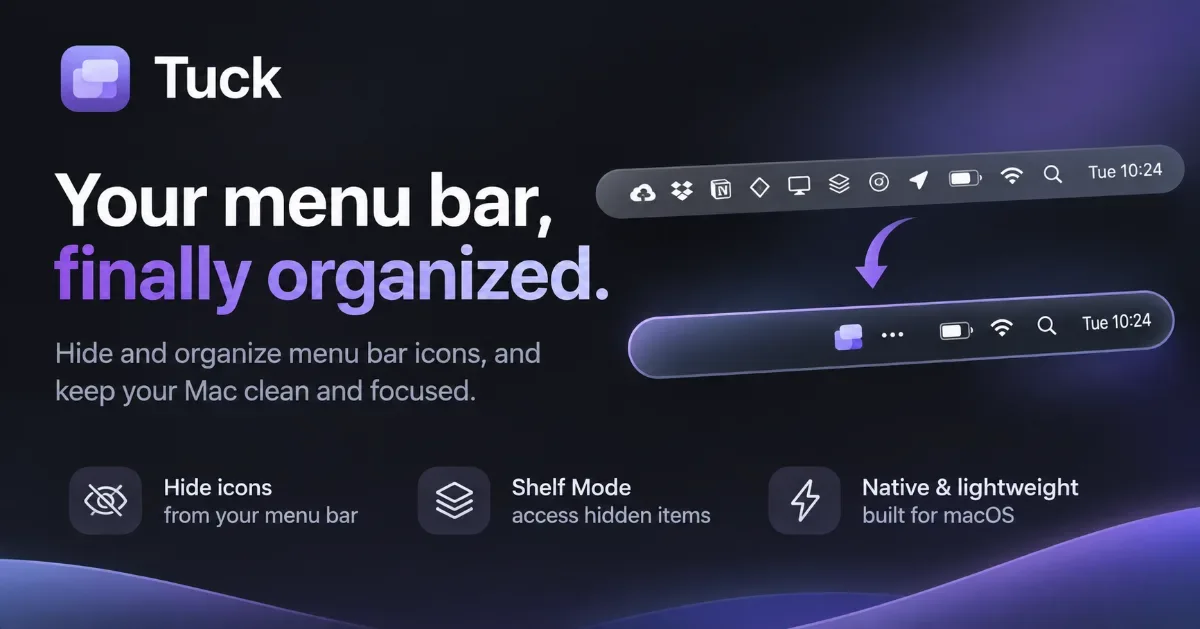
On macOS Tahoe, start with  Tuck if icons disappear behind your MacBook notch. Its free Shelf mode opens them below the menu bar, where they have room to expand. For a free organizer with search and a drag-and-drop layout editor, look at
 Ice and check its Tahoe release notes first.
Which app fits your workflow?
| App | Why consider it | Free option | Before you choose |
|---|---|---|---|
| Tuck | A shelf below the notch | Free manual controls | Per-app rules require Pro |
| Ice | Finding a hidden utility by name | Free and open source | Tahoe builds have documented visual issues |
 Dozer | Hiding a row behind a divider | Free and open source | Verify behavior on your macOS version |
 Stow | Occasional icons that hide again on a timer | Browser demo | One-time purchase |
 Lounge | A notch-aware organizer for Tahoe | Seven-day trial | Requires macOS 26 or later and an annual plan |
 Bartender 6 | Keeping existing visibility triggers | Four-week trial | Use the download for your version of macOS |
Ice vs Bartender on macOS Tahoe
If you open a VPN client once a week and forget its icon, Ice lets you search for it or open the Ice Bar beneath the menu. Bartender 6 earns its place when an icon needs to appear on its own. A battery trigger, for example, can bring the battery item back into view when its state changes.
Ice publishes Tahoe-specific prerelease notes. The developer documents a brightness mismatch with a transparent menu bar and suggests enabling the menu bar background in System Settings. Check the release you plan to install if appearance customization matters to you.
Dozer and Stow for occasional icons
Dozer uses movable dots to divide the menu bar. Command-drag an occasional utility into the hidden group and click the divider to reach it again. This is a good fit for a desktop display where there is enough room to reveal the whole row.
Stow gives you two levels of access. Click to reveal your usual hidden items, or Option-click for the ones you rarely need. Set a delay and the icons tuck themselves away after use. Its publisher offers a browser demo and says the installed app requires no special permissions.
Which alternative works well on a notched MacBook?
Try Tuck with the app that has the longest menus on your Mac. Open its shelf, find a hidden utility and use the utility’s own menu. That sequence tells you whether you can reach the control you bought the organizer for. Tuck includes manual showing and hiding for free. Its paid upgrade adds automatic reveal and rules tied to the active app.
Lounge is another notch-aware option built for Tahoe or later. Its seven-day trial gives you time to try your laptop display and external monitor before the annual subscription. If a simple divider already exposes everything on both displays, Dozer is the lighter choice in terms of setup.
Sources & editorial notes
These are Freddy’s picks, enriched with publisher documentation reviewed on November 17, 2026. We have not performed comparative benchmarks. Pricing, compatibility and available features can change.